What is a
Membit channel?
A channel is your collection of AR experiences, curated for your audience. Think of it as your own gallery, out in the world. It can be private or public, and you shape every part of it.
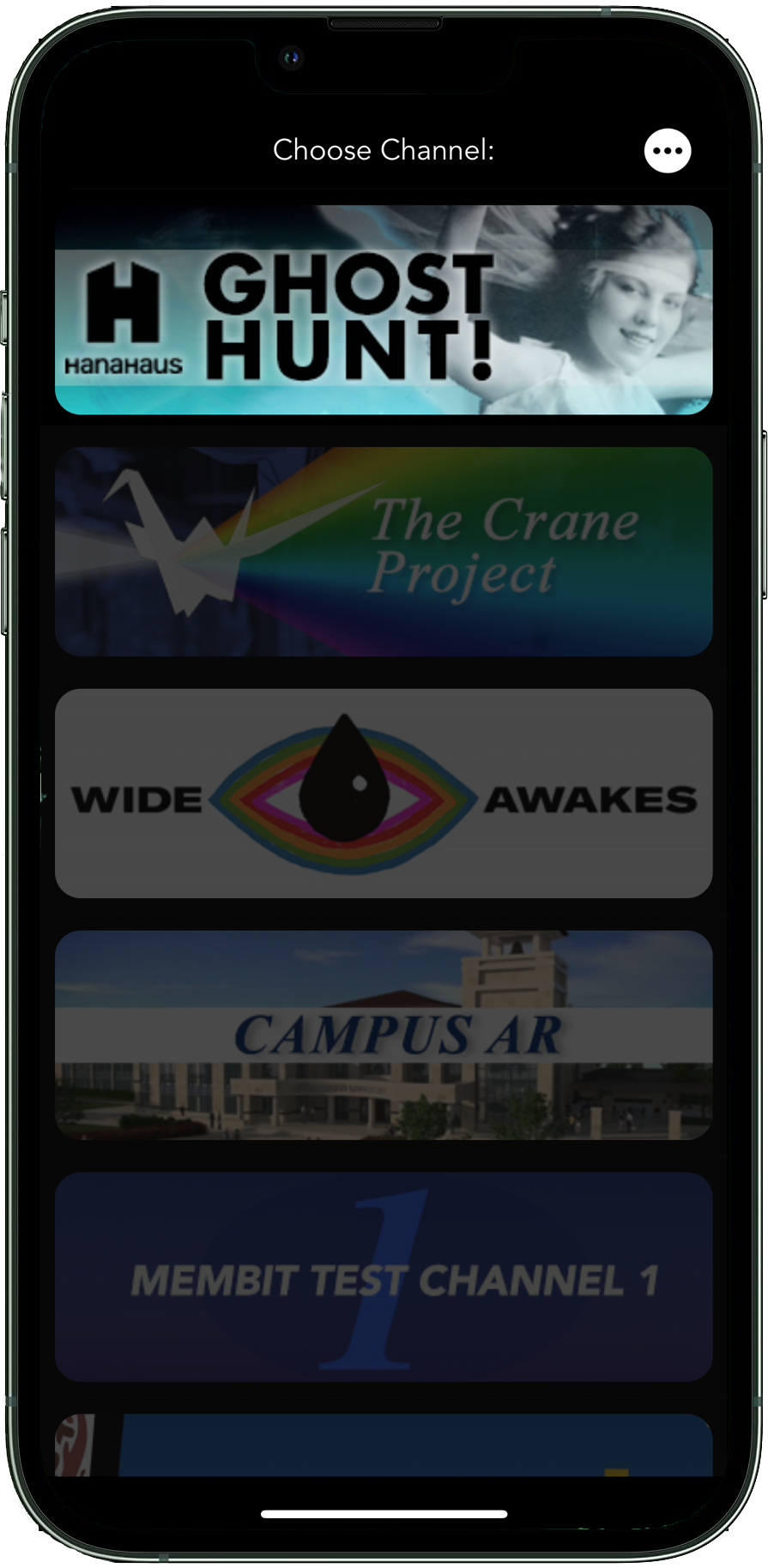
When someone opens Membit, they see the public channels near them and the private channels they belong to. A private channel only appears for the people you allow.
You decide who's in.
Available by subscription to people and institutions. Invite anyone you want, up to the number of members your plan allows.
Found by anyone nearby.
Anyone with the Membit app near your work sees your channel, and you can let them view it without logging in. Contact us for pricing →
What you can shape.
Inside your channel, people only see your work, and you decide how they move through it. Here's what you control.
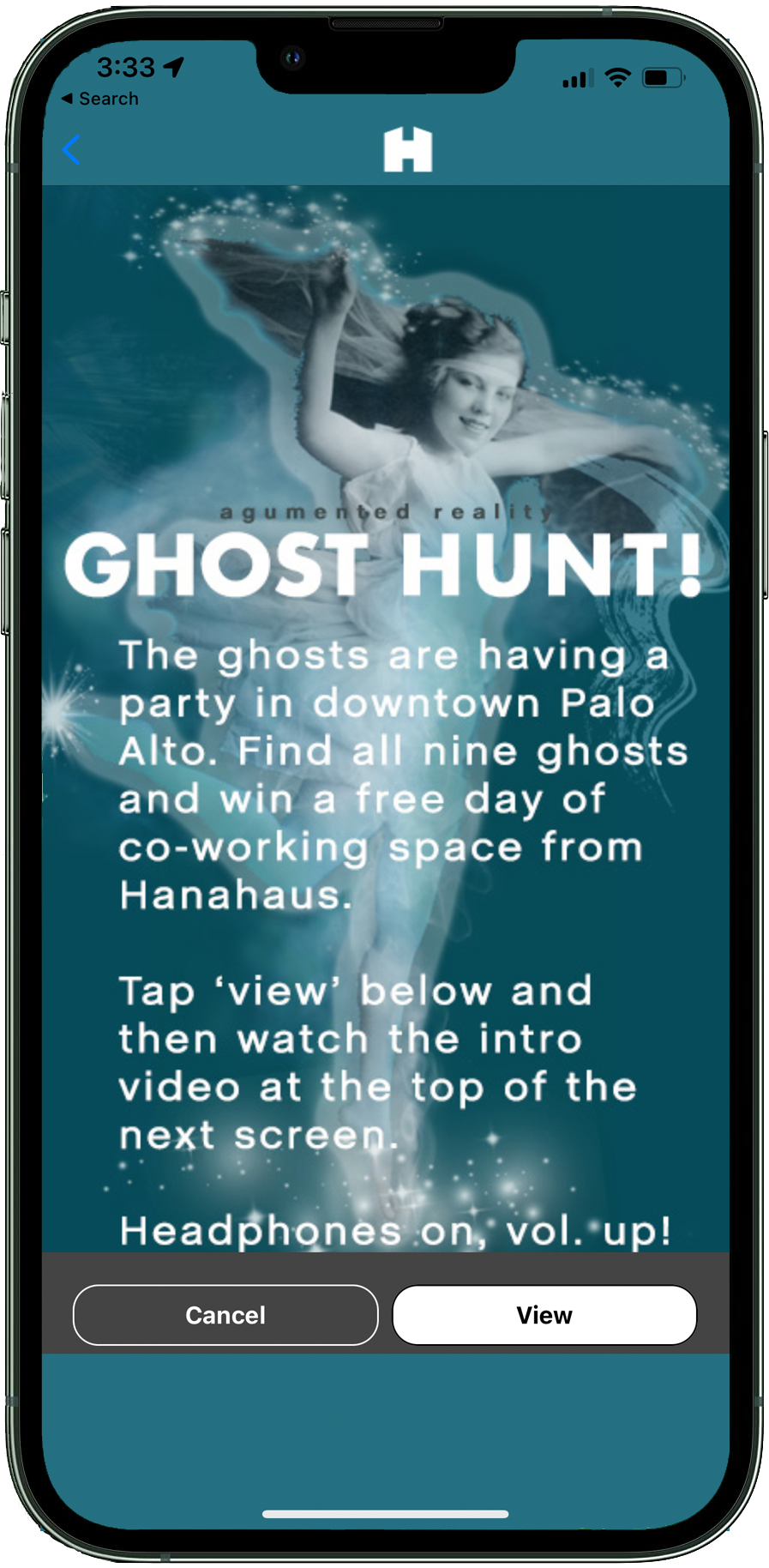
Introduce people to your project.
Your intro screen can be as long as it needs to be, since it scrolls. Tell people what your channel is about, where it is, and how you'd like them to take part. Say Their Names, for example, asked visitors to use screen capture to make videos for social media.
Shape the journey through your work.
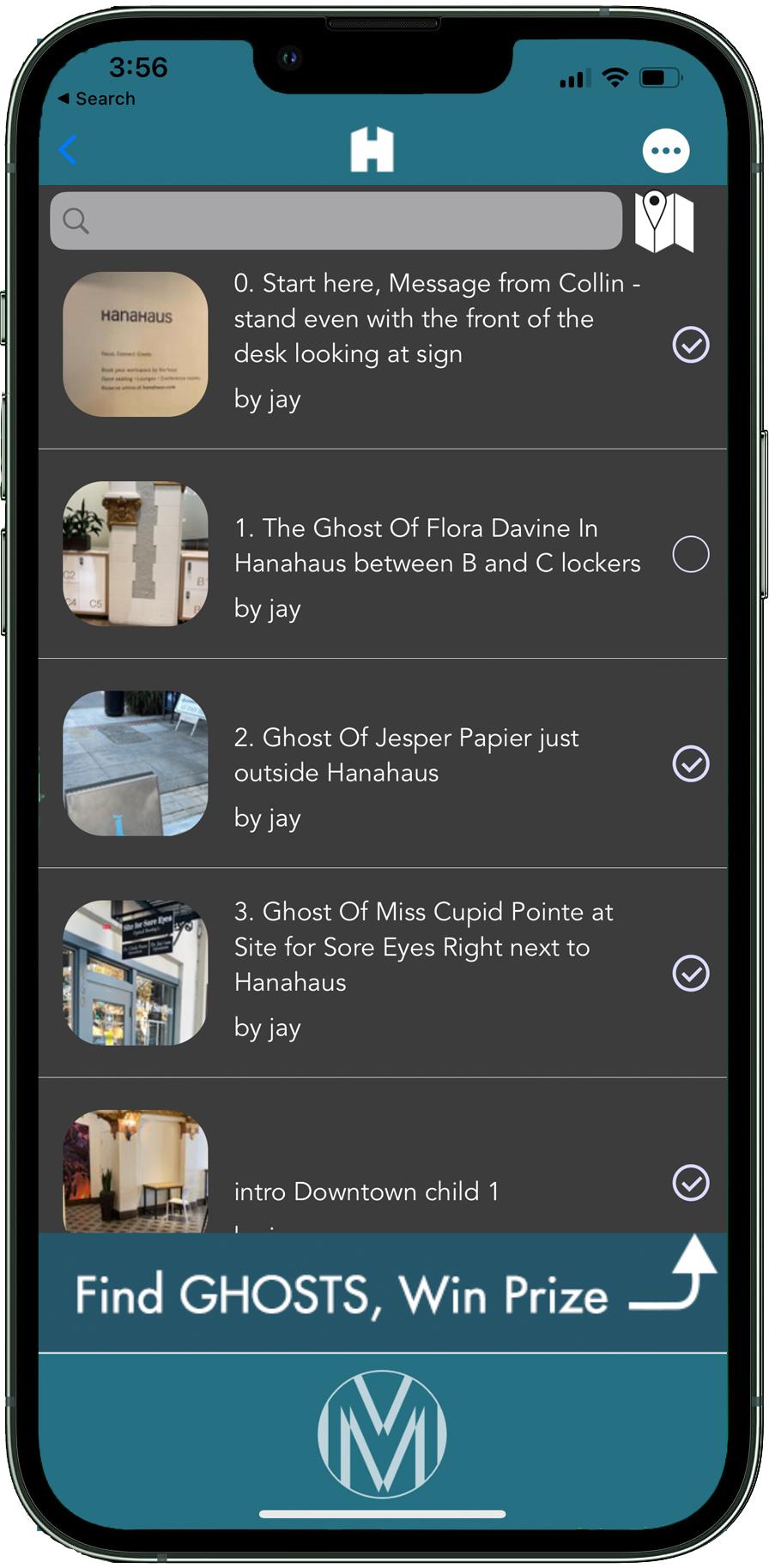
Your channel can be a tour, a series, or a scavenger hunt. Visitors pick from a list of membits and the app checks each one off as they find it, then shows a prize screen you design, which can link anywhere. Inside your channel they only see your work. You can also invite your audience to add their own, and approve it before it goes live.
A branded map, with your colors and logo.
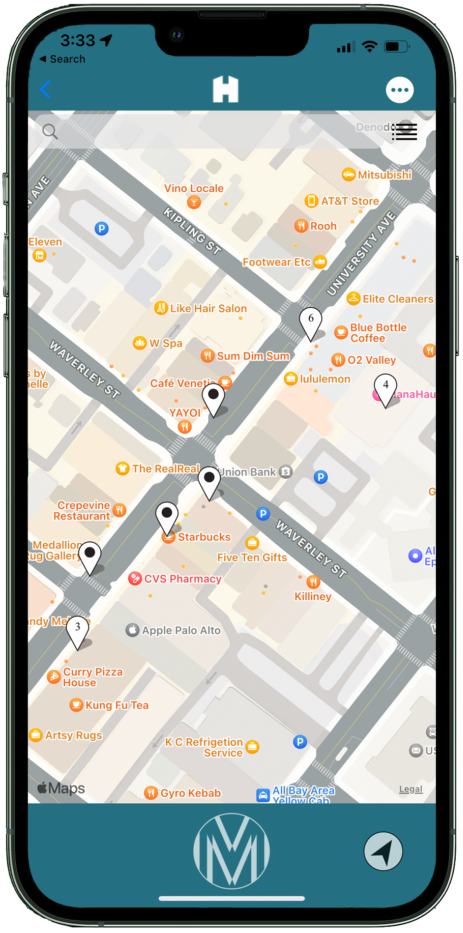
Your channel's map shows only your work, in your colors, with your logo at the top. Visitors can tap any pin for directions. It opens to the part of the world where your pins live, and any piece you choose can be viewed remotely, from anywhere.
Every pin can be your own.
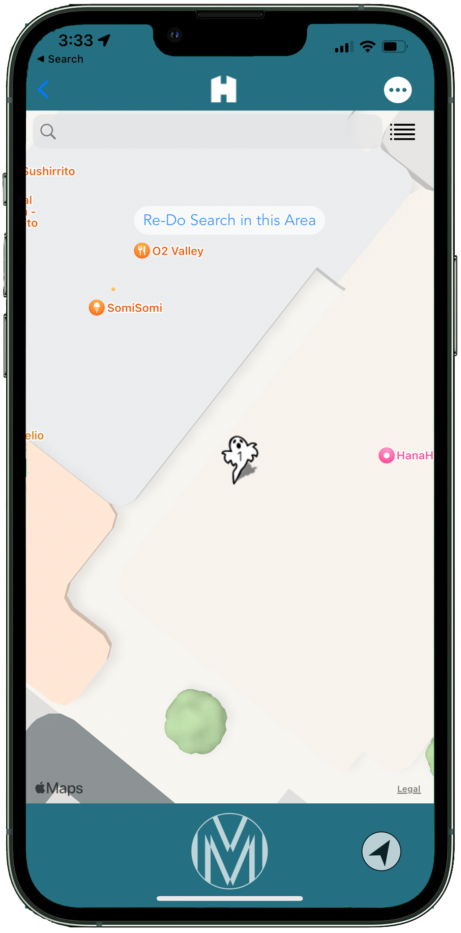
Give any membit on your map its own pin. One more small way to make the channel unmistakably yours.
Any media, exactly where you put it.
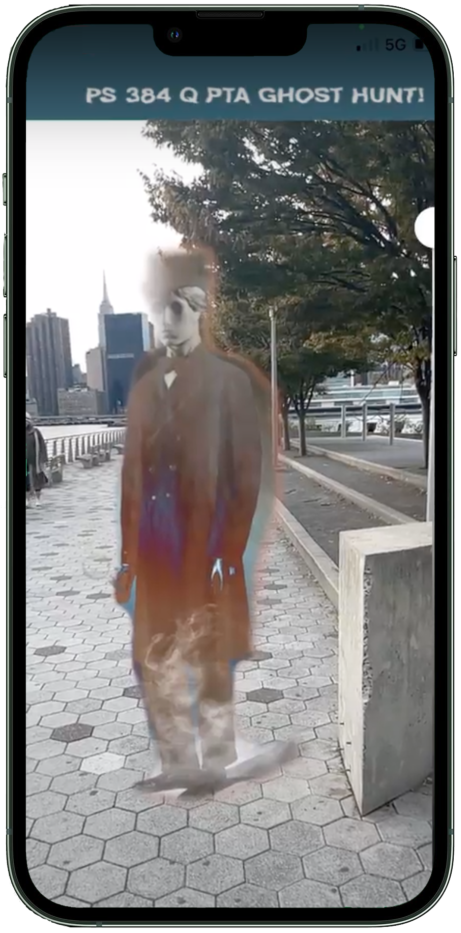
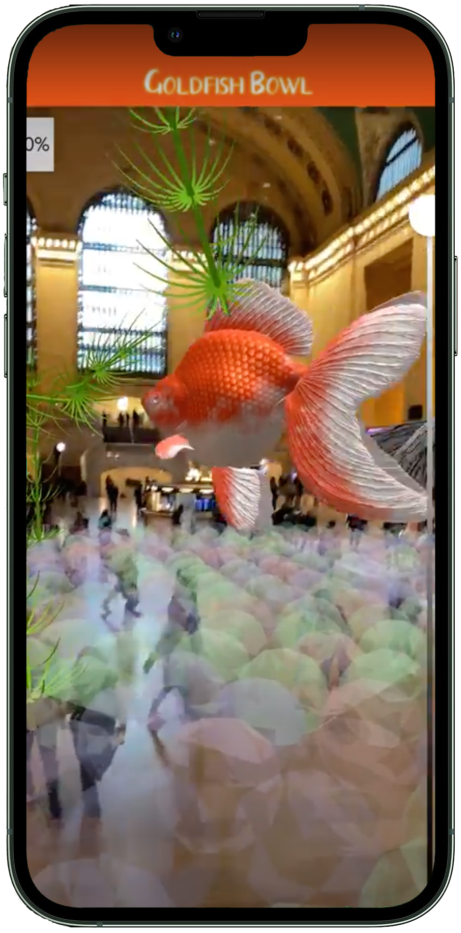
A membit is an AR experience in one place. It can hold any mix of images, video, audio and 3D models from your library, and they all appear together when a visitor arrives. Our patented Human Positioning System™ puts it all exactly where you placed it, anywhere in the world, with no markers or QR codes.
Upload your own 3D models.
Place your own 3D work, animated or not, anywhere in the world from your phone. No scanning, no code. Upload models through our web admin and they're ready for anyone in your channel. Models go in USDZ for iOS and GLB for Android, and we'll help you get them looking their best on a phone.

Make it your channel.
One private channel, unlimited work, up to 250 members. Your first month is free, then $10/month for our first 100 artists.